Updates
What’s new in Orbi.

We’ve been hearing your feedback and have made some major improvements to one of our core features, the event form.
Creating an event should not feel like a chore. This update focuses on making the whole process quicker and more straightforward, so you can get things set up without second guessing or repeating work.
Built for speed, wherever you are
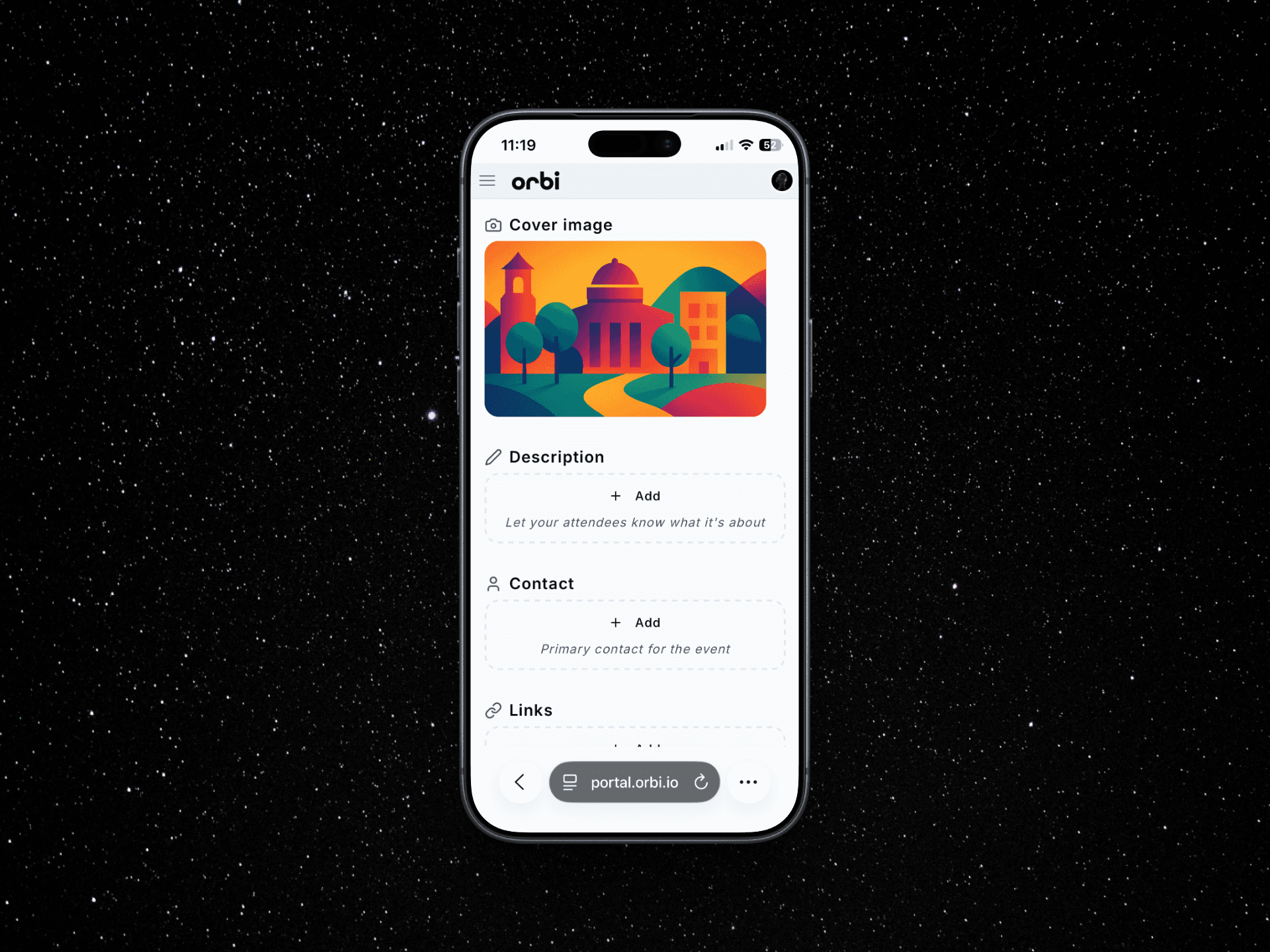
One of the biggest improvements is how easy it is to create and edit events on the go. The form is now much more mobile friendly, so whether you are making quick changes or setting something up from scratch, it works smoothly on any device.
This was a big one for us, and it makes a real difference if you are managing events away from your desk.
Faster input with less repetition

A big change is how you enter information. You’ll now see dropdowns filled with data you’ve used before across contacts, links, locations, tickets and questions.
Instead of typing the same details over and over, you can just pick from what’s already there. It is a small change, but it makes a noticeable difference when you are setting up multiple events.
Tickets without the hassle
Creating tickets is now much easier. The flow has been simplified so you can add and adjust ticket types quickly without breaking your rhythm.
Whether you are setting up a basic ticket or something more complex, it is all a lot more straightforward.
Adding questions, made simple
We have also improved how you add questions to your event. It is now quicker to build out forms for attendees, with a cleaner setup that makes everything easier to manage.
This is a step towards making event creation feel as smooth as it should be. Try it out and let us know what you think.
Gradual rollout
We’re rolling this update out gradually so we can keep a close eye on performance and make improvements along the way. This gives us more control and helps ensure everything runs smoothly as more of you start using the new form. As always, we’ll be listening to your feedback.