In this article
Get an overview of Orbi and learn how to manage your student organization from one place.
Introduction
Welcome to Orbi. This guide will help you understand the basics and get comfortable managing your student organization step by step.
Orbi is your all in one platform for running and growing your organization. From a single place, you can manage everything your community interacts with.
What you can manage in Orbi
With Orbi, you can handle all key parts of your organization:
Events
Posts and announcements
Memberships
Discounts and offers
Your organization page
Team access and roles
Payments and financials
The Organization Dashboard
At the center of Orbi is the Organization Dashboard. This is where you manage everything related to your organization.
You can use it across both web and app, depending on what you need to do.
Use web for creating events and making larger updates
Use the app for quick actions and staying updated on the go
Key sections in the dashboard
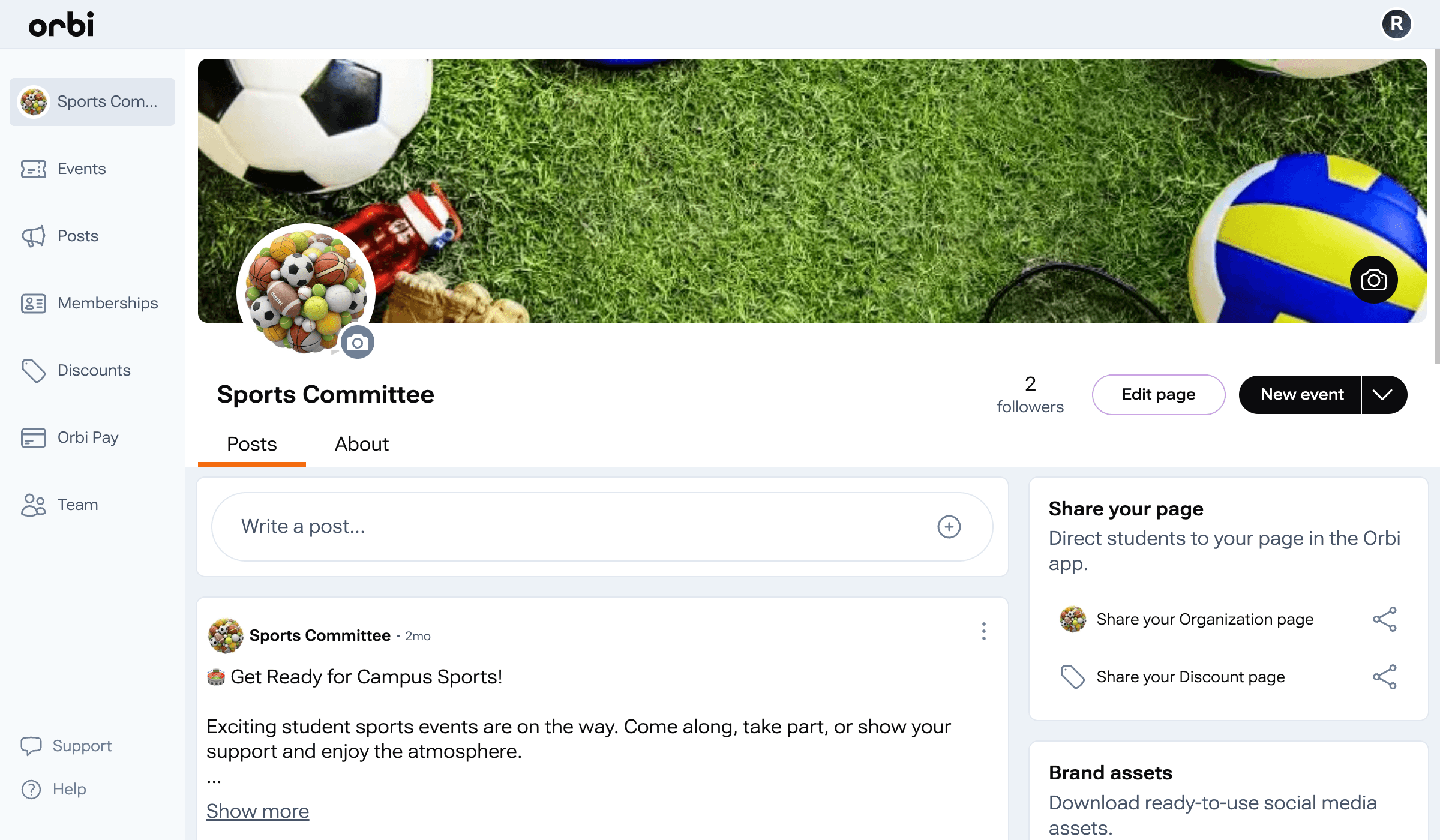
Organization Page
Update how your organization appears to students, including images, links, and information.
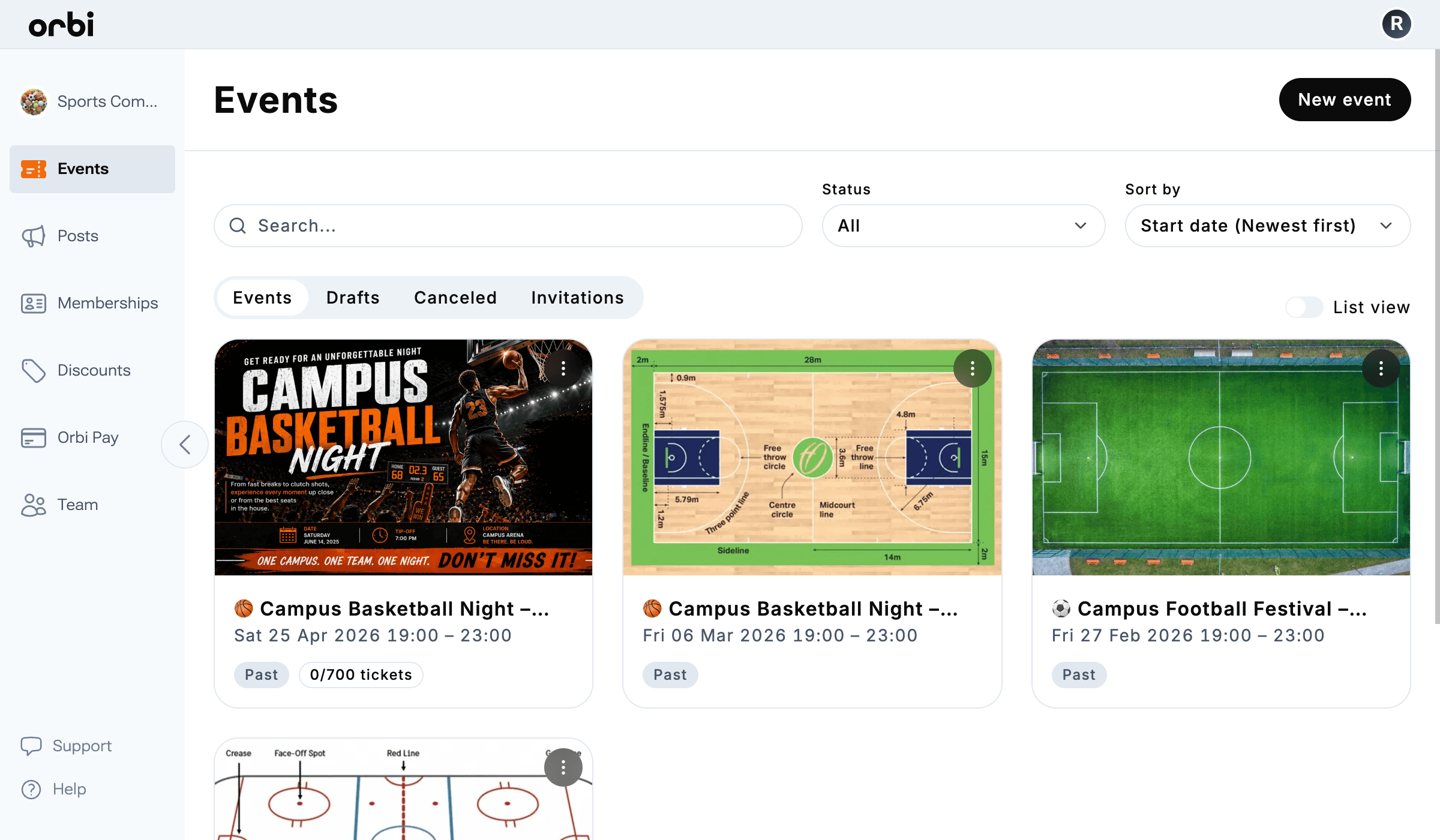
Events
Create and manage upcoming, past, draft, and co hosted events.
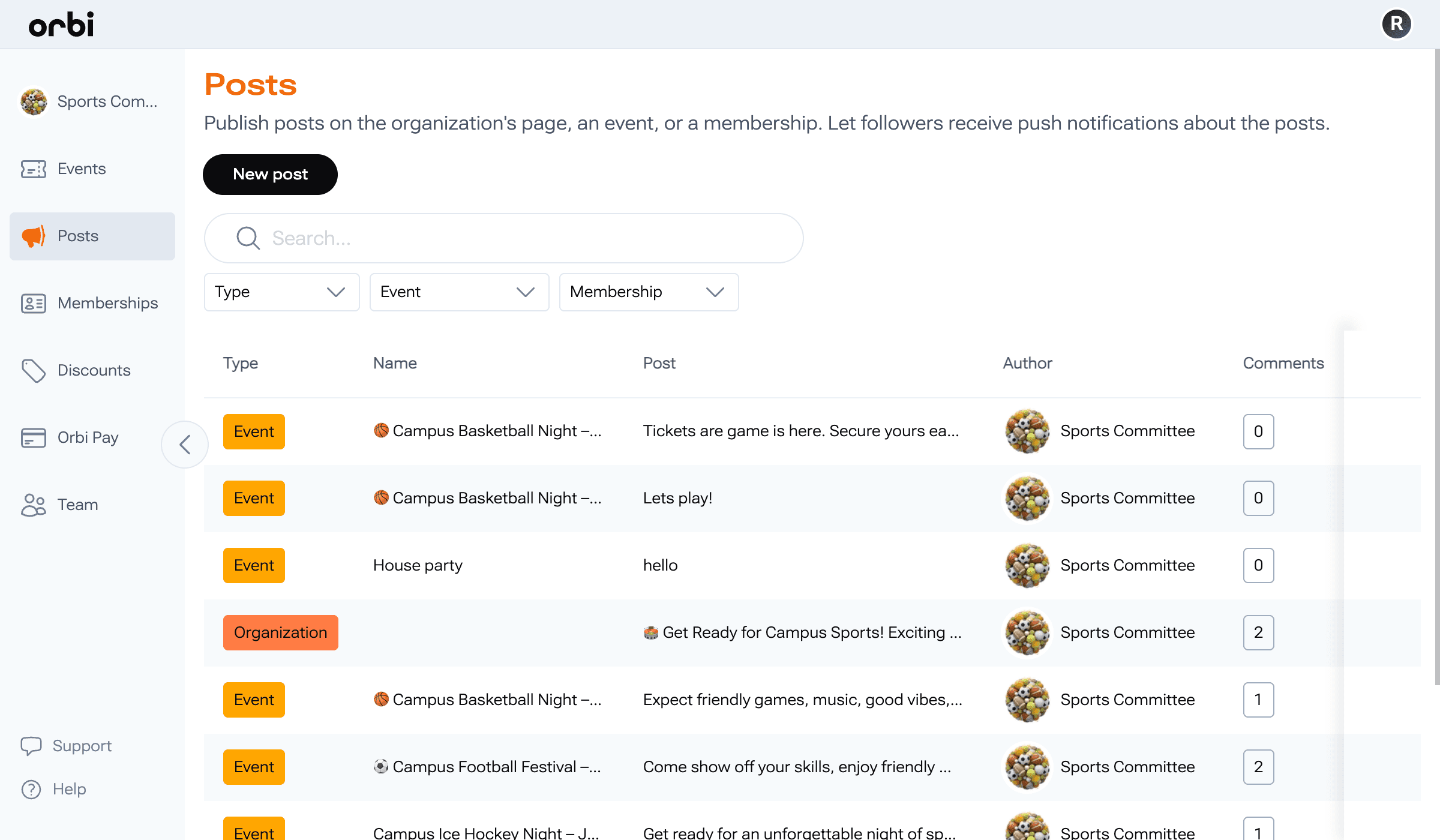
Posts
Share updates, announcements, and important information with your audience.
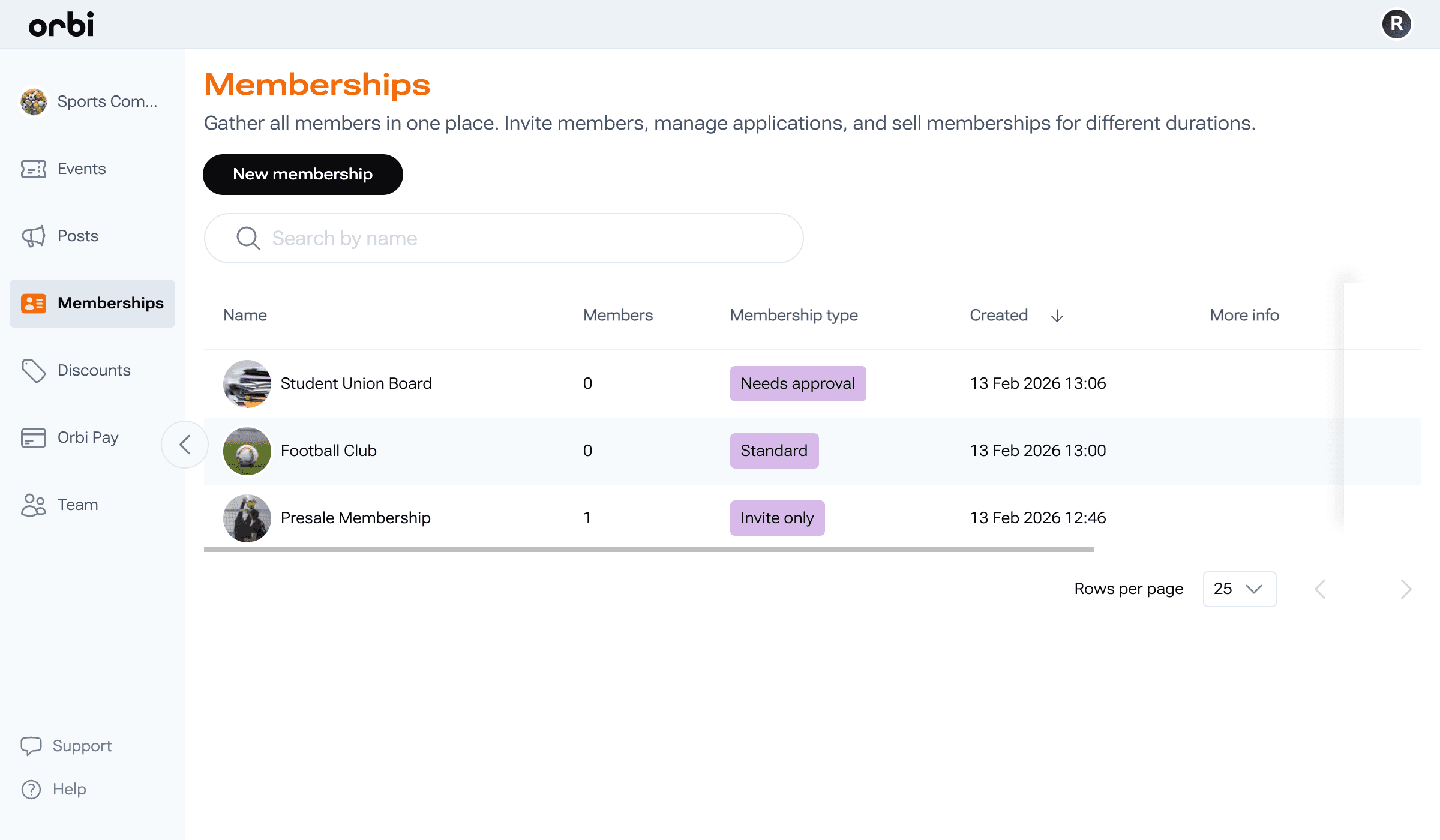
Memberships
Manage your members, control access, and build your community.
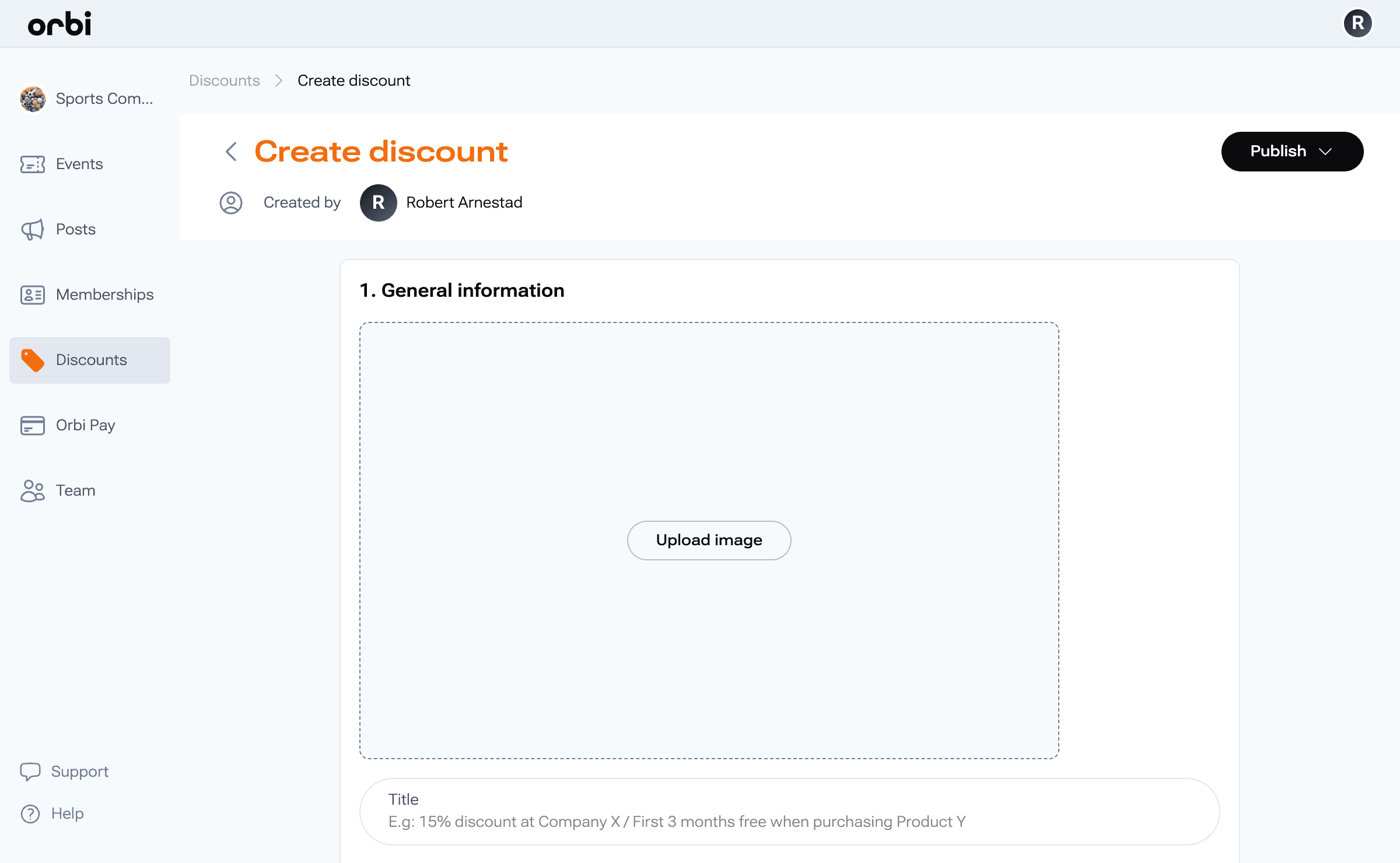
Discounts
Add and manage offers for your members and students.
Career
Promote partner or sponsor companies and share opportunities.
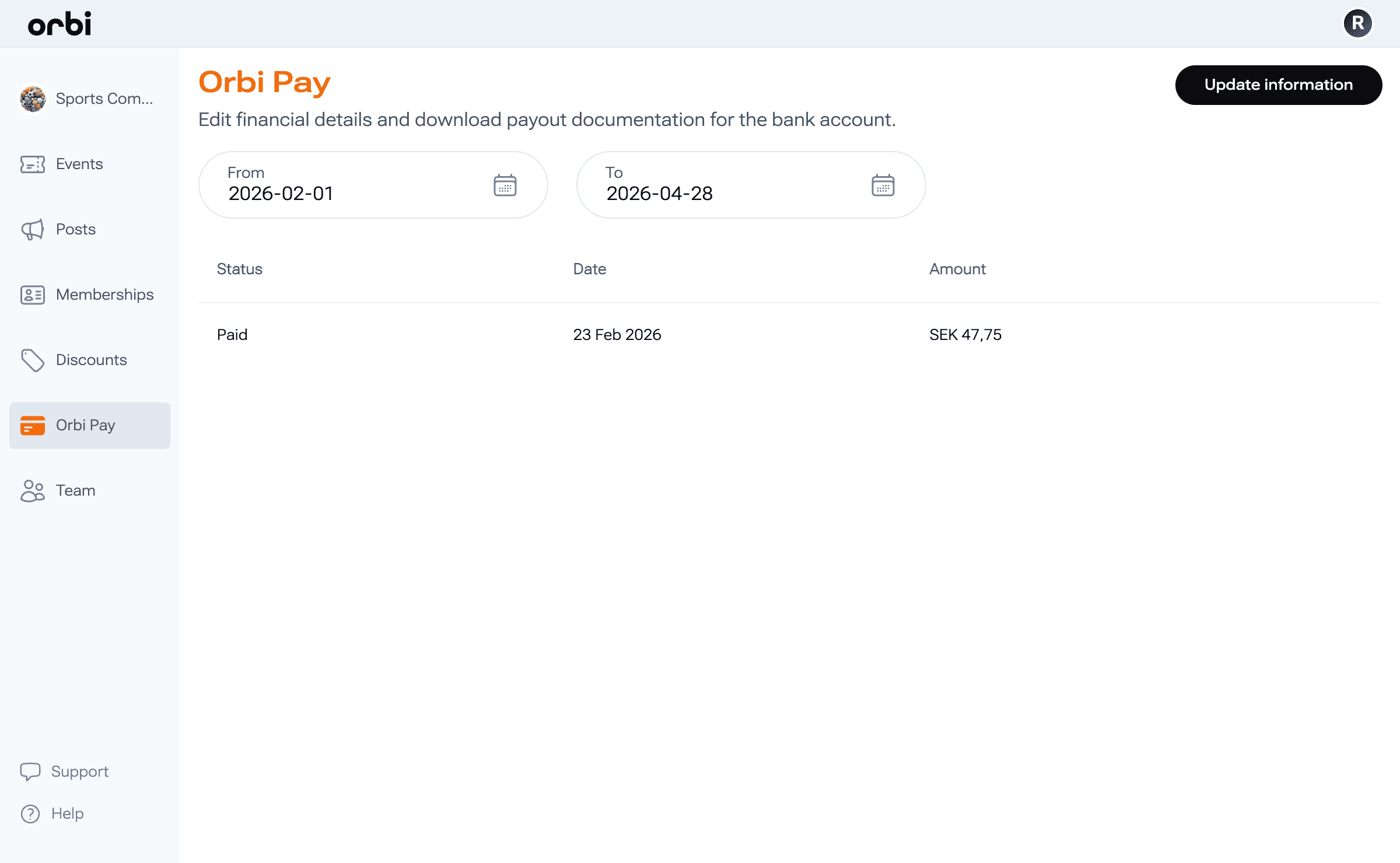
Payments
Track payouts and manage your financials.
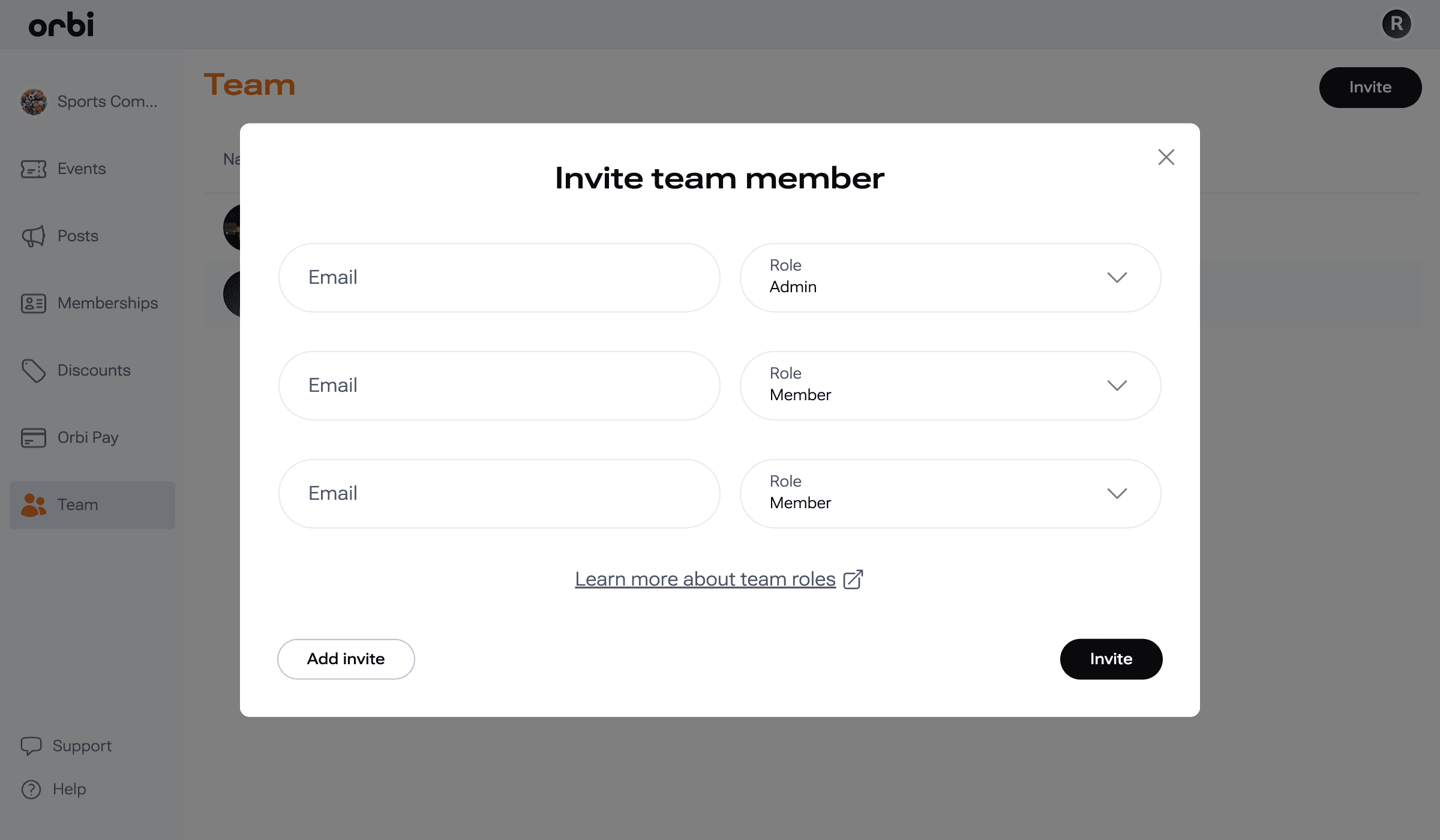
Team
Invite teammates and manage roles and permissions.
Everything in one place
Orbi brings everything together in one platform, making it easy to manage, grow, and engage your community.
What’s next
You don’t need to learn everything at once. Follow the guides in this section to get set up step by step and start using Orbi with confidence.
Was this resource helpful?

Up next
Create an account
Create a user account to access Orbi and start managing your student organization.
Read more ->