Set up membership periods
In this article
Manage your membership
Membership periods define how long a membership is valid and when it can be purchased.
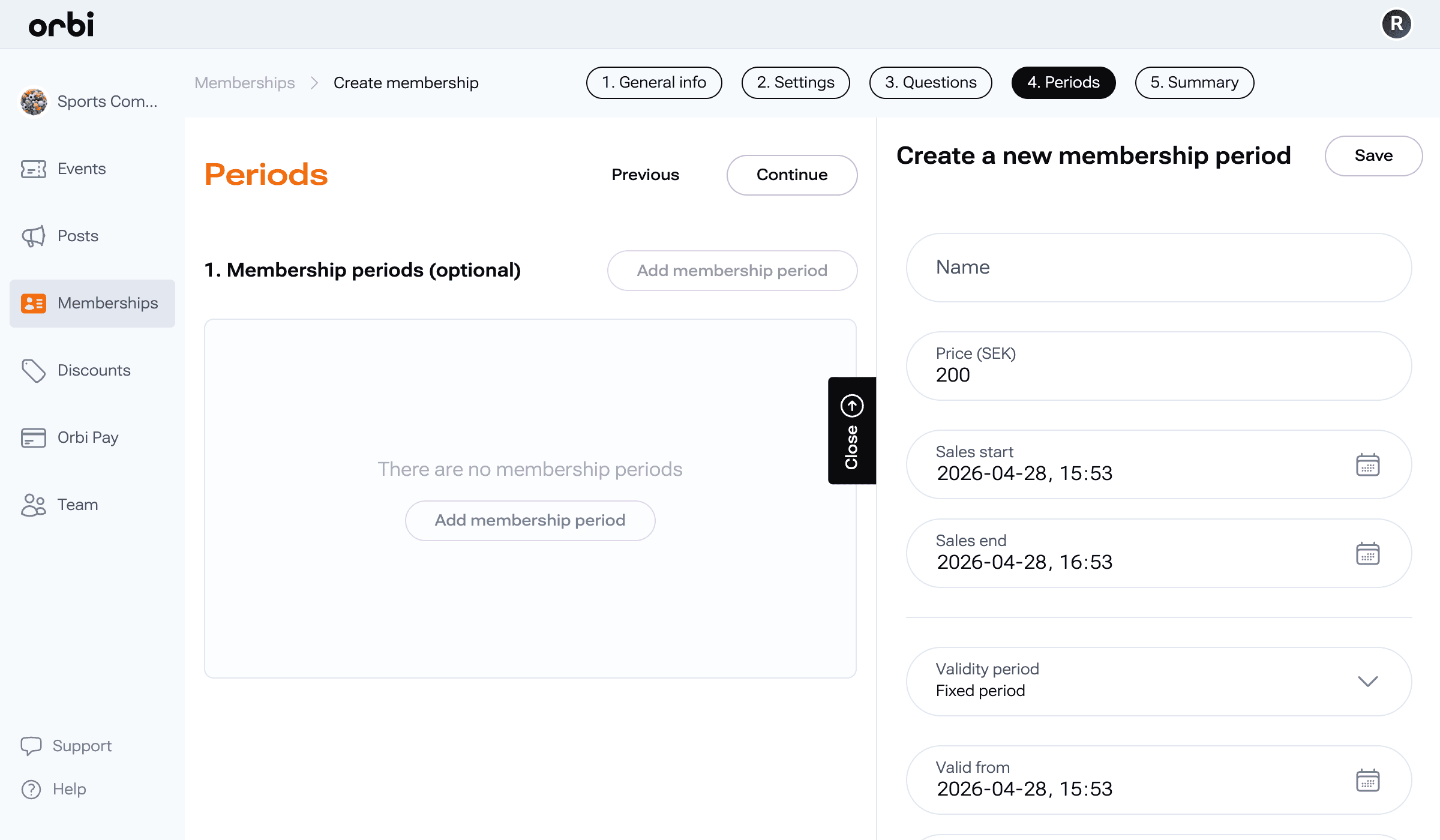
To create a membership period:
Click Add membership period
Fill in the following:
Name: Example “1 Year” or “Spring Semester”
Price: Set a price (enter 0 if free)
Sales start and end: When the membership can be purchased
Choose validity type:
Fixed period: Set specific start and end dates
Dynamic period: Valid for a set duration from purchase (days, months, years, or lifetime)
To edit a period:
Click on an existing period to update its details.
Still having issues?
If something is unclear or you’re still experiencing issues, reach out to our support team and we’ll help you move forward.