Set up general information
In this article
Manage your membership
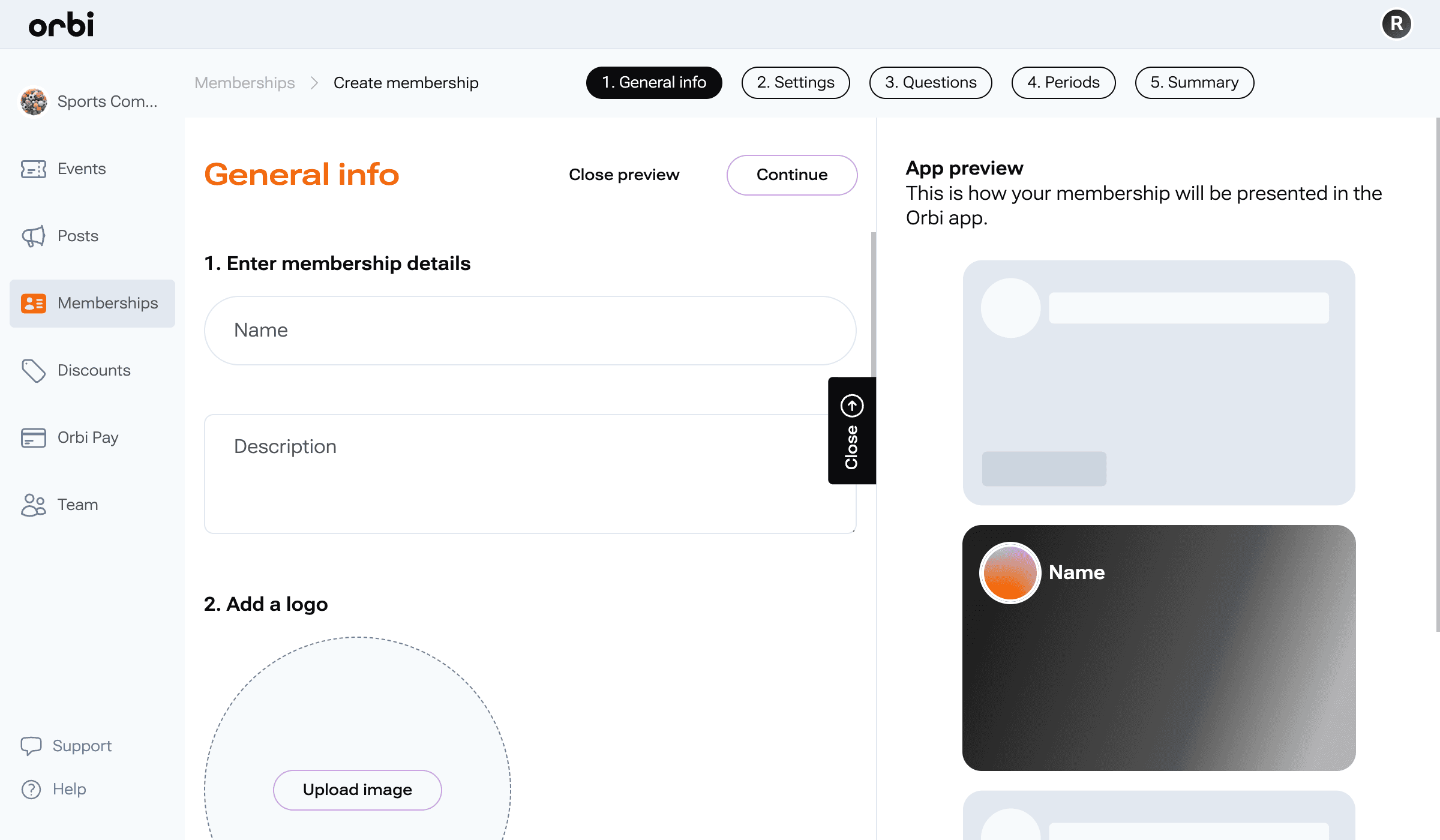
Start by adding the basic details for your membership. This is what users will see when they explore and join.
Enter membership details
Name: Give your membership a clear and recognizable name
Description: Briefly explain what the membership includes and why students should join
Add images
Logo: Upload an image to represent your membership
Background image: Add a cover image to make your membership more visually appealing
Add contact details
Provide a point of contact for members:
Name or organization
Email address
Phone number (optional)
Once completed, click Continue to move to the next step.
Still having issues?
If something is unclear or you’re still experiencing issues, reach out to our support team and we’ll help you move forward.